Paper CraftsNo. 1547 · The 2026 edition
Flying Bat Silhouettes
Create spooky bat silhouettes with vinyl and a cutting machine for a haunting Halloween display.
Our own summary of the original — the full post and photos live at bit.ly.
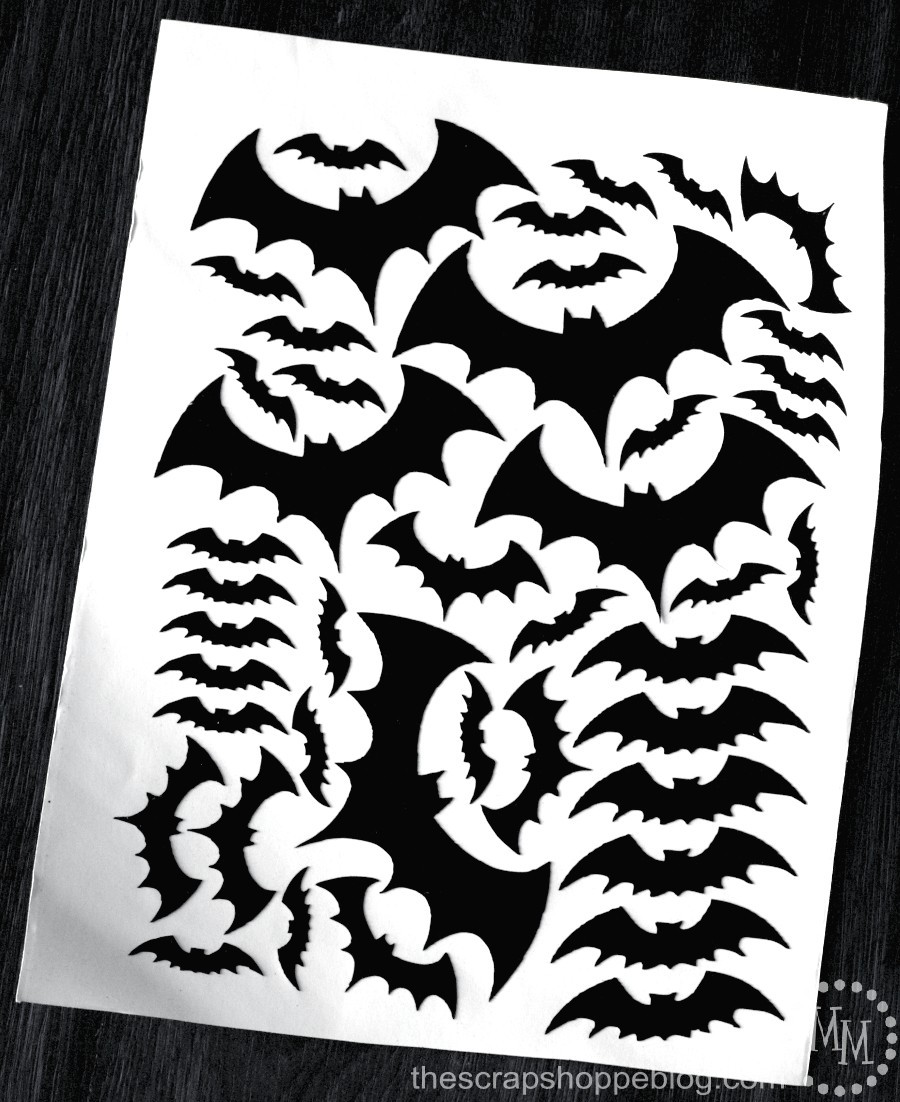
This project uses bat templates and black vinyl to create flying bat silhouettes for Halloween decor. You'll download the template, trace, and cut the bats using a Silhouette or Cricut machine. Arrange the bats from smallest to largest to add depth and dimension to your walls or windows.
You'll need
Directions
- Save the Bat Template JPG or SVG file to your computer after downloading it.
- Launch the Silhouette software and open the Bats JPG file.
- Use the ROTATE function to turn the image 90 degrees.
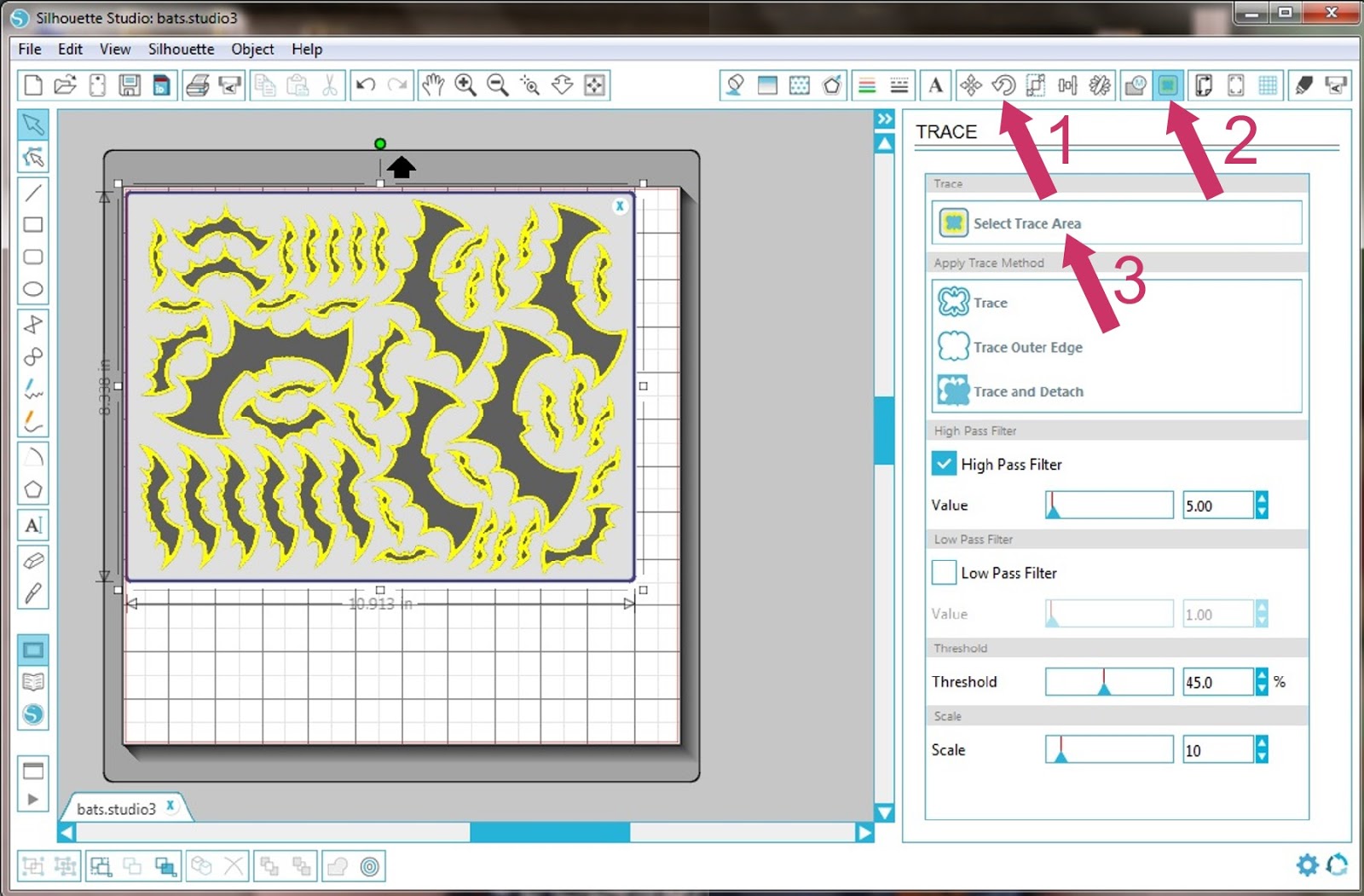
- Click the TRACE button to start the tracing process.
- Choose SELECT TRACE AREA, then draw a box around the bats so each bat's edge turns yellow.
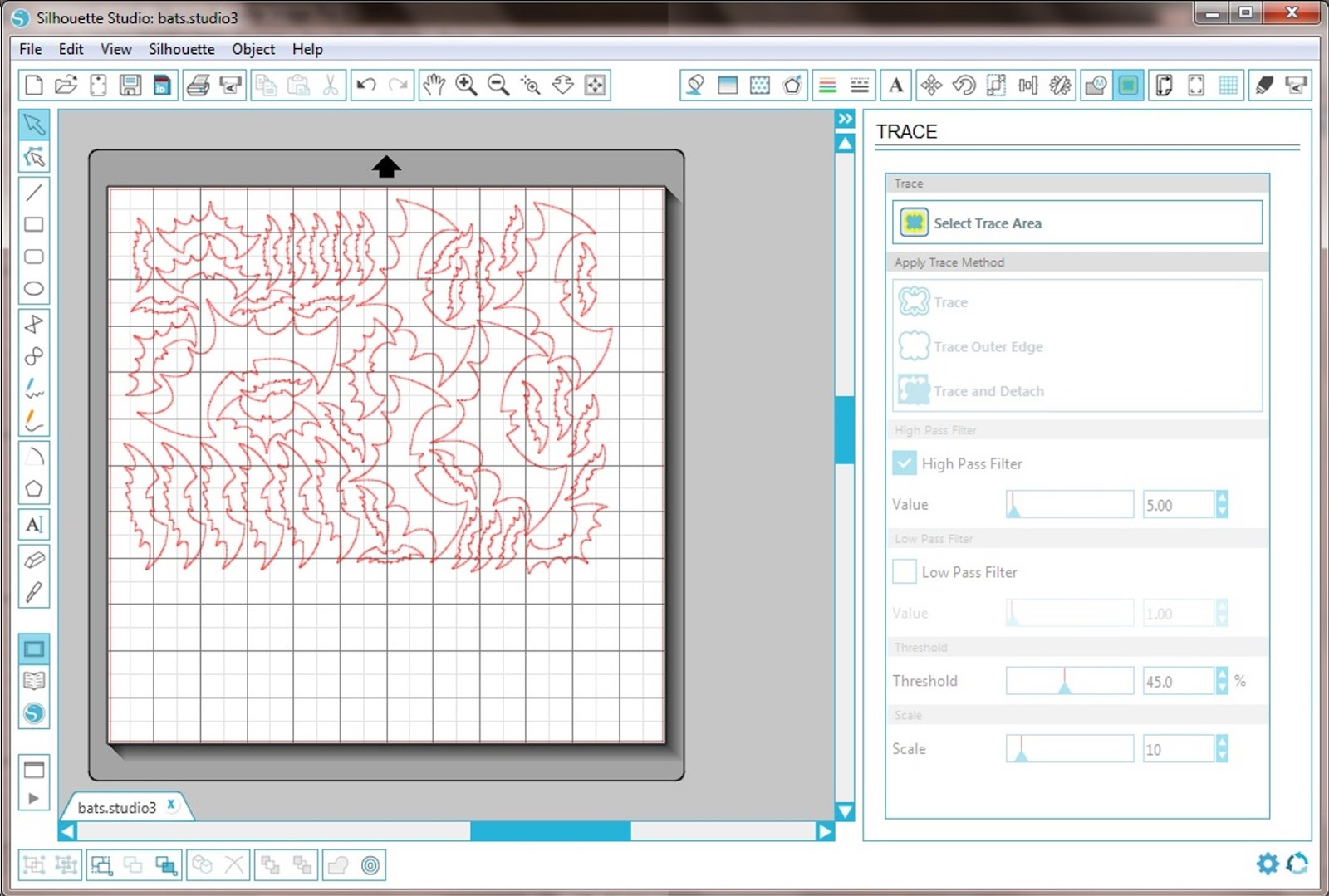
- Click TRACE OUTER EDGE to create outlines.
- Select the original bats in the file and delete them, leaving only the red outlines.
- Click CUT, set the media type to vinyl, load your vinyl into the machine, and cut the bats.
- Remove the negative vinyl so you have a sheet full of different-sized bat shapes.
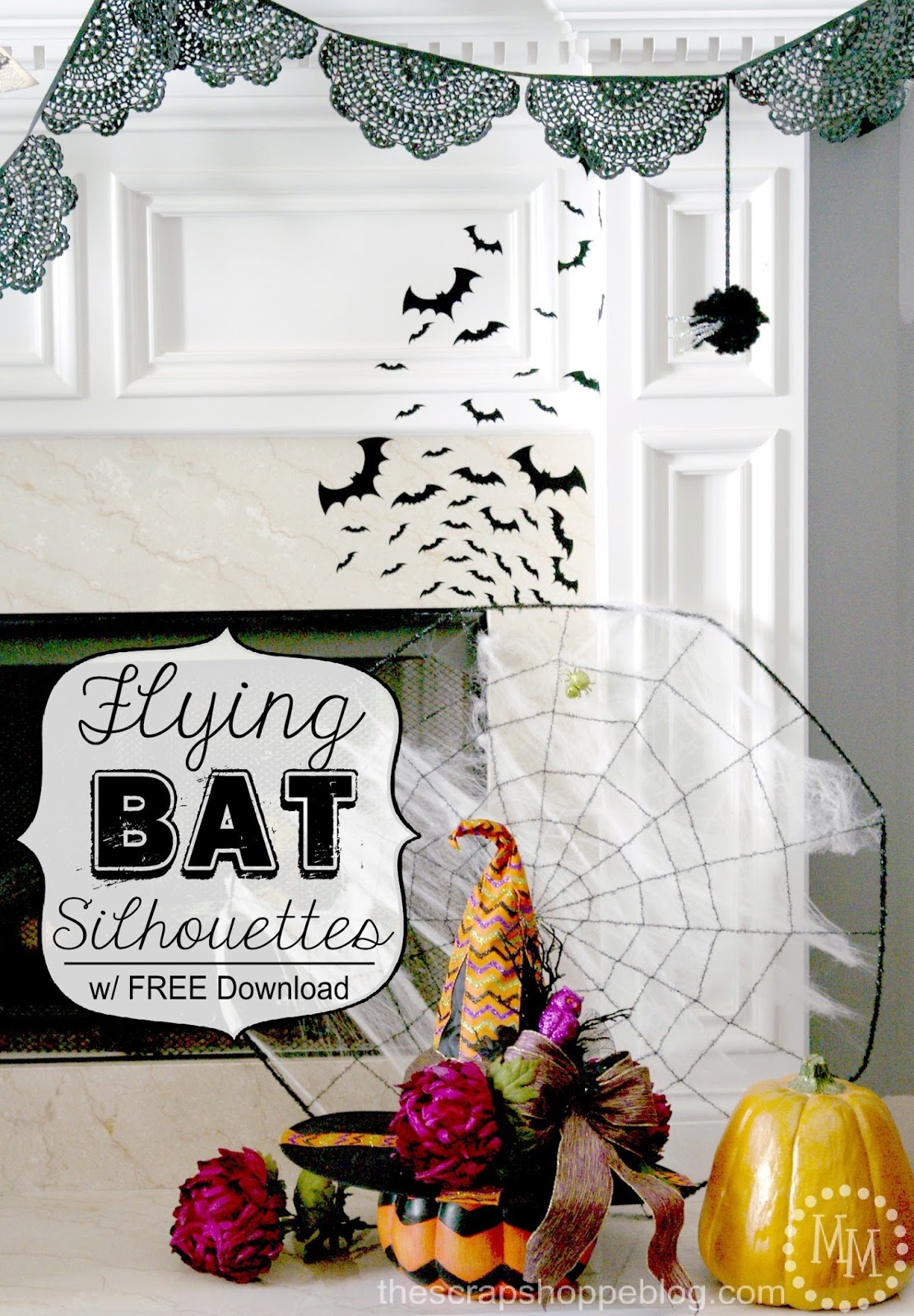
- Place the bats on your surface, beginning with the smallest and ending with the largest, to create a sense of depth.
More photos

Photos hosted by bit.ly.