Templates & StencilsNo. 7068 · The 2026 edition
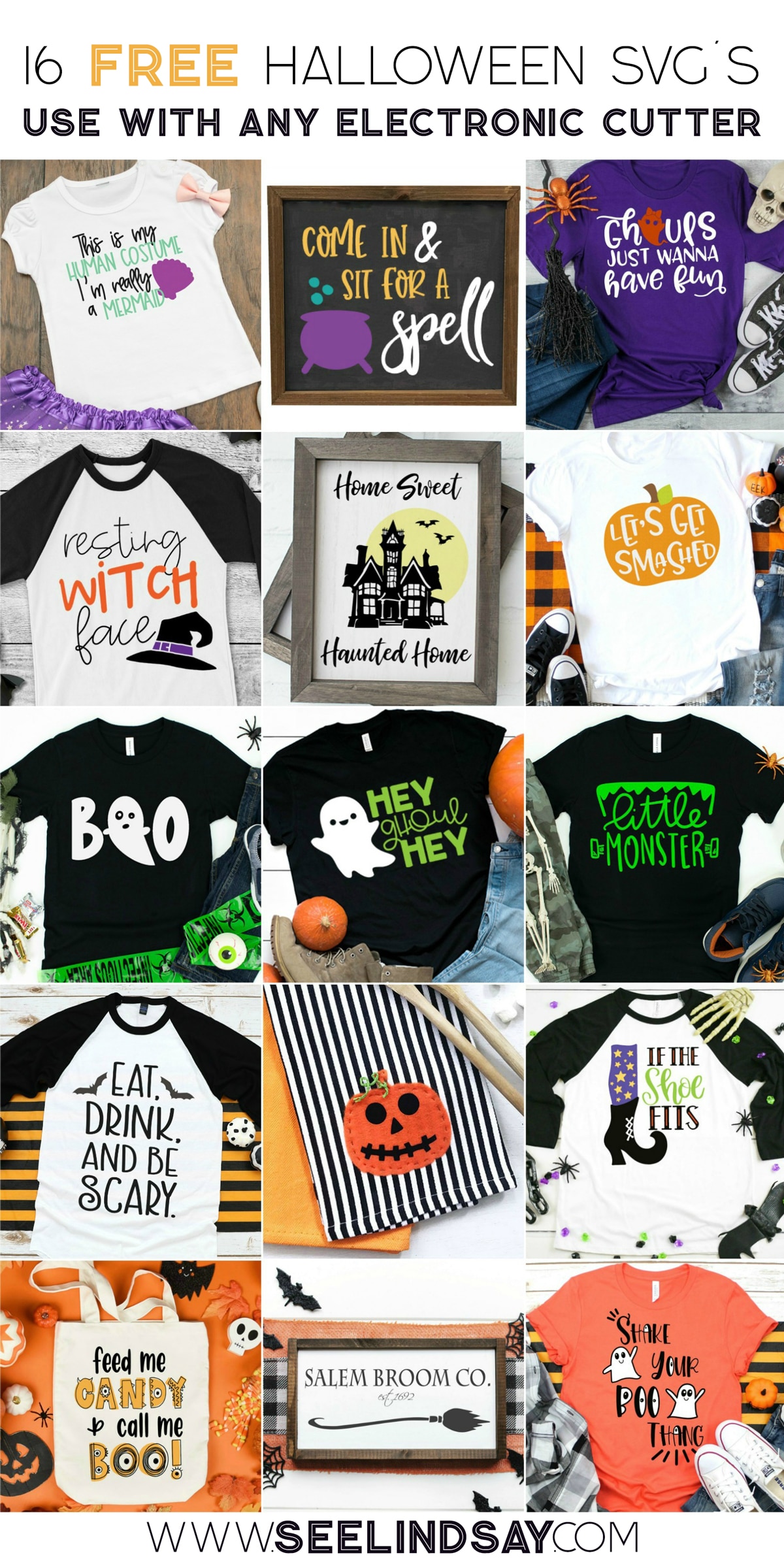
FREE Halloween SVG File - Feed Me Candy & Call Me Boo!
Get ready for Halloween with this free SVG! Learn how to cut, weed, and apply 'Feed Me Candy & Call Me Boo!' HTV in 5 easy steps.
Our own summary of the original — the full post and photos live at seelindsay.com.

This tutorial walks you through creating a cute Halloween shirt using heat transfer vinyl. You'll cut your design with a Cricut or Silhouette, weed out the excess, and apply it with an EasyPress or iron. Care tips ensure your spooky creation lasts wash after wash.
You'll need
Directions
- Cut your HTV (heat transfer vinyl) with the shiny carrier side placed down, and make sure your design is mirrored in the software. The machine blade should only kiss-cut through the vinyl layer without slicing into the clear carrier sheet beneath.
- Carefully remove the unwanted vinyl pieces (the negative spaces) using a weeding tool or even a safety pin. Keep only the parts of the design that should remain on the carrier sheet so the image holds together properly.
- Get your shirt or fabric ready by pressing it briefly to eliminate any moisture. Check the instructions that came with your vinyl for the recommended pressing temperature and find out if you should peel the carrier while hot or after it cools.
- For the most popular HTV brand, Siser EasyWeed, preheat your EasyPress to 305°F. Press the vinyl onto a cotton tee for 30 seconds, then peel the carrier sheet away while it's still warm to the touch.
- When laundering your finished garment, turn it inside out. If ironing is needed, press on the back side only. Hang to dry or use a low-heat tumble dry setting.
More photos



Photos hosted by seelindsay.com.